Hacked WooCommerce store: how we cleaned it up
In short: the owner called because customers reported being redirected to a strange site. The store looked perfectly normal to him. We found a backdoor in the uploads folder, a modified theme file, a scheduled task that kept restoring everything, and an administrator account nobody created. The way in was an outdated shipping plugin. Cleanup took a little under a day, the store never went offline, and no orders were lost.
This is an account of a real job. Details that could identify the site have been changed, because the client has a right to that. Everything technical is described as it actually happened, because a concrete case is more useful than general advice.
How it started
The call came late in the afternoon. The store owner said two customers had asked him on the same day why his site was sending them to some foreign page full of ads. He opened the store on his own computer straight away and everything worked perfectly. Home page loaded, products were there, cart worked. He assumed the customers had mixed up sites.
Then a third one called.
A hacked WooCommerce store rarely reveals the problem to its own owner, and that is the hardest part of it.
This is the most common way an owner finds out there is a problem, and the most common reason they do not react immediately. When a hacked WooCommerce store keeps looking fine to its owner, it is easy to believe the fault lies somewhere else. That is exactly the intention behind the code.
Why the owner does not see what customers see
Redirect code almost never fires for everyone. Before deciding whether to send someone away, it usually checks a few things: where the visitor came from, whether they are on a phone, and whether they are logged into the admin area.
A store owner is almost always logged in, types the address directly, and works from a desktop. That is precisely the combination the code skips. A customer arriving from search, on a phone, logged out, is exactly what it is looking for.
So the first thing we asked the client for was not a password but a screenshot from one of those customers. Within five minutes that gave us confirmation the problem was real and a rough idea of where the redirect led.
The first hour, before touching anything
There is always an urge to start deleting. With a store that urge is especially dangerous, because the database holds orders, customers and payments. One wrong move there does not mean lost content, it means lost money and a legal problem.
A full copy, infection included
The first step was a complete copy of files and database, exactly as found. Infected, yes. That copy is insurance if something goes wrong during cleanup, and evidence if it later becomes necessary to reconstruct what happened and when.
For a store this carries extra weight. If it turned out that customer data had leaked, that copy is the only way to establish what was actually in the database at the moment of the breach.
Stopping the damage without taking the store down
The client asked whether he should shut the site down. We advised against it. A store that is unreachable for a day loses sales, loses positions in search, and sends a poor signal to customers who have already ordered.
Instead we first neutralised the redirect mechanism itself, which stopped the damage to customers, and the store kept running while we looked for the rest. That is only possible once you know exactly where the code sits, so this step actually came after the next one.
Establishing the scope
Before cleaning you need to know how deep it goes. We checked whether the redirect happened on all pages or only some, whether it affected every visitor or only a portion, and whether other sites shared the same hosting account.
That last question is often skipped and it matters. If other sites sit on the same account, an infection frequently spreads from one to another, and cleaning only one means everything returns within a week. In this case there was an older site on the account and it was affected too.
What we found
Every hacked WooCommerce store we have worked on had more than one way in.
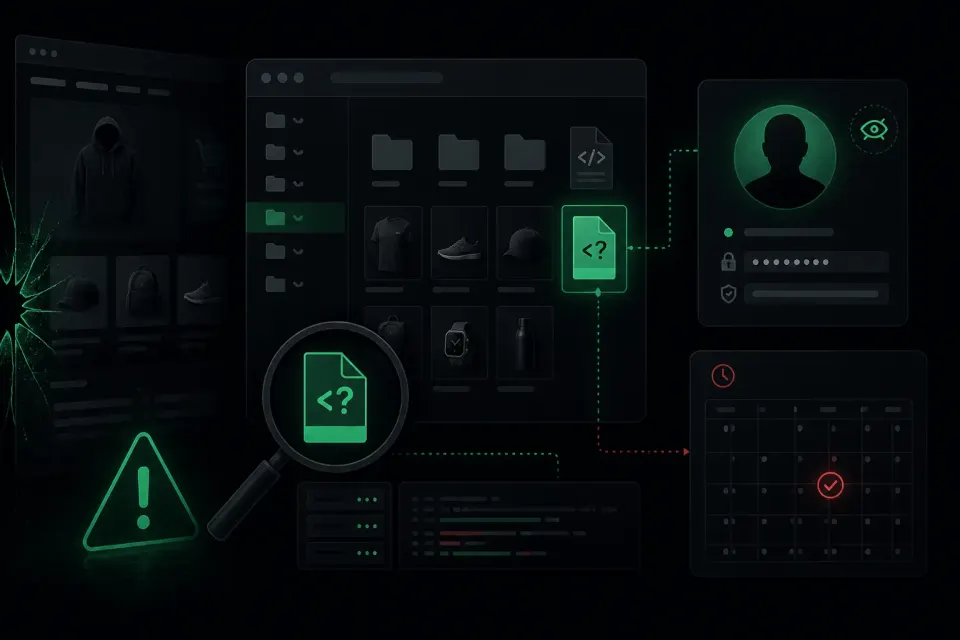
The findings were spread across five places. That is not unusual. Attackers routinely leave more than one way in, assuming the first will be found.
A backdoor in the uploads folder
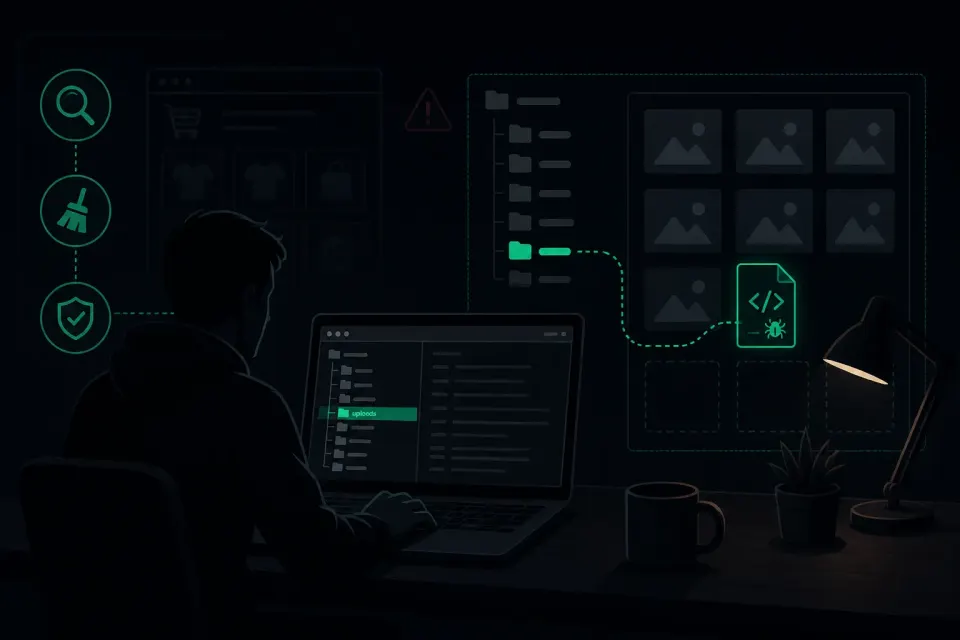
The wp-content/uploads folder is meant for product images, documents and media. There should never be a file with a .php extension in there. We found one in a subfolder holding images from two years ago, with a name that looked like a system file.
Its contents were one long string of letters and numbers with no recognisable word, decoded only at the moment of execution. That is both the hiding method and the most reliable signal something is wrong, because legitimate code has no reason to be unreadable.
A modified file in the active theme
A single line had been added to a file loaded on every page, right at the end, behind several blank lines. Anyone opening that file and glancing at it without scrolling to the bottom would have seen nothing.
That line was the redirect mechanism itself. It checked where the visitor came from and what device they used, then sent only a portion of them elsewhere.
A scheduled task that restored everything
This is the part that explains why infections so often return after an apparently successful cleanup. In the WordPress scheduled task system there was an entry that reinstalled the backdoor file every few days if it went missing.
Had we deleted only the file and the theme line, the store would have been clean for a few days and then everything would have come back. The owner would have concluded that cleaning does not work.
An administrator account nobody created
The user list contained an account with a name that looked like it belonged to some plugin. Its registration date fell in a period when nobody from the company had logged in. The email address attached to it had never been seen before.
That was the fallback in case everything else was removed. With full administrator rights, the attacker could return whenever he liked, regardless of changed passwords.
Injected code in the database
The final finding was in the database itself, in fields loaded on every request. This location is the one most often missed, because it is not a file. Anyone cleaning only files leaves this untouched and everything returns the moment a page is loaded again.
How the attacker got in
This question matters more than what he left behind. If the entry point is not closed, the next breach is a matter of time rather than probability.
The cause was a shipping cost calculation plugin that had not been updated in nearly two years. A publicly disclosed vulnerability existed for that version, and the gap between disclosure and exploitation is usually just days, because automated scripts work through sites looking for exactly that.
The owner had not updated that plugin for a reason that is entirely understandable and that we hear constantly: he once updated something else, the store broke, and from then on he was afraid to touch anything that worked. That is a common and expensive trap. Fear of updating costs more than the occasional compatibility problem, because vulnerabilities accumulate.
The cleanup, step by step
The order matters as much as the steps themselves.
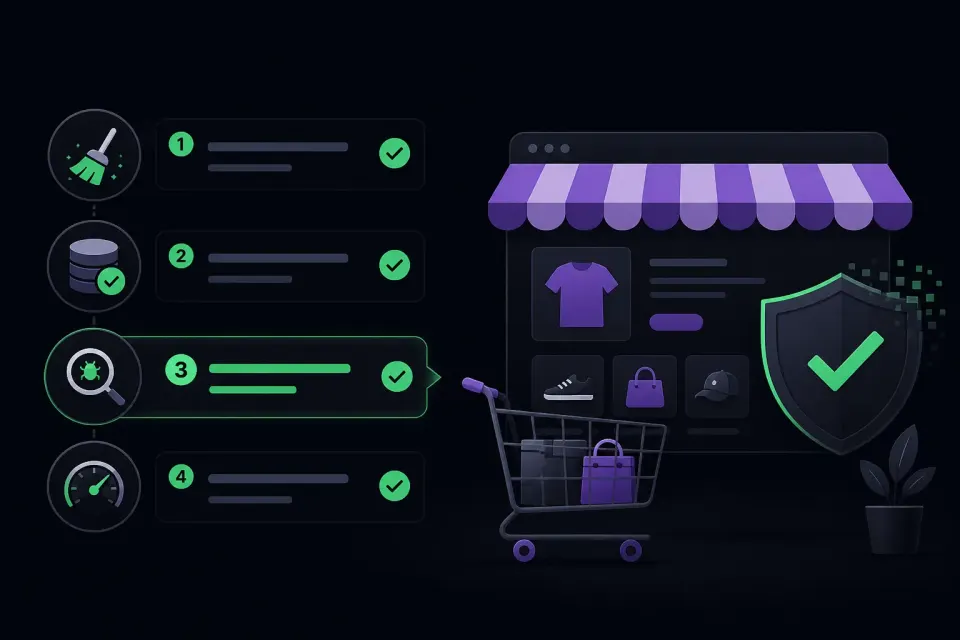
Removing the redirect mechanism
First the line was removed from the theme, which stopped the damage to customers. From that moment no visitor was redirected any more, even though the cleanup was far from finished.
Removing backdoor files and the scheduled task
Next came the uploads folder file and the scheduled task, and they went together. The order matters: delete the file first and leave the task, and the file comes straight back.
Cleaning the database
Injected code was removed from the database, with a check that nothing remained in other tables. In a store this needs extra care, because the same database holds order data that must not be touched.
Removing the fake account and killing sessions
The fake administrator account was removed, then all active sessions were invalidated and the security keys rotated. This step is the one most often skipped. Changing a password does not eject someone who previously stole a login cookie. Invalidating sessions does.
Closing the entry point
The vulnerable plugin was updated and several plugins that were not being used at all were removed. An inactive plugin with a vulnerability is still vulnerable, because its files still sit on the server.
Changing every password
Administrator accounts, database, hosting panel and FTP access. While the backdoor was live the attacker could have extracted all of it, so it should be treated as compromised even without evidence that it was.
Cleaning the second site on the same account
Finally the older site sharing the account was cleaned, since it would otherwise have been a source of reinfection.
Why a store is a special case
Cleaning a hacked WooCommerce store is planned differently from an ordinary site.
Cleaning a store is not the same as cleaning an ordinary site, for several reasons worth understanding before starting anything.
The database holds other people's data
Names, addresses, phone numbers, order history. If the attacker had enough access to place code, he had access to that too. In this case we went through the logs and established there was no sign of bulk data extraction, but that is a question you must ask and answer rather than assume.
If a leak did occur, notifying customers is not a matter of courtesy but can be a legal obligation. That is a conversation to be had calmly, not in a panic.
Orders keep arriving while you clean
An ordinary page can sit in maintenance mode for an hour without consequence. A store cannot. So the cleanup is planned to keep the store reachable, which means more careful work and more checks after every step.
Payment must not be disturbed
Payment plugins are the most sensitive part. Updating them in the middle of a cleanup can break the checkout flow. So you clean first, then at a controlled moment update anything touching payments, verified with a test purchase.
Mistakes we see before people call us
Store owners often try things themselves first, which is understandable. Here is what tends to make matters worse, and why.
Restoring a backup blindly
The first instinct is to roll the store back a week. The problem is twofold. If the infection is older than that backup, you restore an infected store. And rolling back the database of a store wipes every order placed since, which is real financial and legal damage.
With a store, a backup is restored only once the exact breach date is known, and the full database is almost never rolled back.
Deleting anything that looks odd
A file that looks strange to you may belong to a plugin you use. Deleting it also destroys your ability to see when it was placed and what it came through. Always look first, remove second.
Installing several security plugins at once
No security plugin installed after a breach will remove code that is already there. And on a store, which is heavier than an ordinary site to begin with, several such plugins at once noticeably slow things down and can conflict with payment plugins.
Moving to a different host
Moving an infected store carries the problem to the new server, and along the way you lose the logs that were the most useful trail. Clean first, then consider moving if it is needed at all.
The first 48 hours after cleanup
The period straight after cleaning is when you find out whether the job is genuinely done. Scheduled tasks and fallback entry points usually act on a delay, so anything missed shows up days later rather than immediately.
For this store we watched several things over the first 48 hours. Whether a new file appeared that had not been there, whether a file changed that should not change, whether a new user appeared, and whether anything in the database changed outside the normal flow of orders.
Nothing appeared, which was the first solid sign that every way in really had been closed. Had something appeared, it would have meant another mechanism was still hiding somewhere and we would have kept looking.
We also advised the owner not to make larger changes to the store during that window. The reason is practical: if something breaks while the theme is being changed or plugins added in parallel, it becomes hard to tell whether the cause is a remnant of the infection or an ordinary mistake in the change.
What this cost, and what cost more
A hacked WooCommerce store loses money every day the problem lasts, and nobody invoices that cost.
Clients almost always ask about the price of cleaning, and far more rarely count what the infection had already cost while it ran.
In this case the redirect had been live for just under ten days before anyone reacted. During that time a share of visitors arriving from search ended up on someone else's page instead of in the store. It is impossible to measure exactly how much revenue went that way, but it was almost certainly more than the price of the cleanup.
Then there is something that does not show up in numbers. The three customers who reported the problem were people who already trusted the store enough to open it. Their impression after an experience like that is not repaired by a single cleanup.
That is why reaction speed is worth more for a store than for an ordinary site. Every day of delay is not only additional risk but a measurable loss.
What we did after cleaning
Cleaning is not the end of the job. What follows determines whether it all repeats.
First, a check in Google's tools to see whether the store had been flagged in search results. In this case it had not, because the problem was caught quickly enough. Had it been flagged, removing the warning requires a separate request and takes days, so reacting fast saved weeks here.
Second, monitoring was switched on that compares the state of files and database against the previous day. The reasoning is simple: if one backdoor was well hidden, another may be too. Monitoring catches every new change immediately instead of waiting for it to grow into a visible problem.
Third, the client received a report listing everything found, where it was, what it came through and what was closed. That is not a formality. An owner who understands how the breach happened thinks about updates differently from one who was simply told it is all sorted.
What the client could have done differently
This is not about assigning blame, it is the most useful part of the whole story for anyone reading.
Updating plugins would have closed the entire problem before it existed. The vulnerability was known and patched months earlier. Fear of updating is understandable, but it is solved with a staging environment and backups, not with delay.
Removing unused plugins shrinks the attack surface. This store had several plugins that had not been used in years and were still sitting on the server.
Regular monitoring would have caught the problem on the day the backdoor was placed, rather than weeks later when customers started complaining. The gap between those two points in time is the difference between a minor intervention and this entire story.
Separating sites onto different hosting accounts stops an infection spreading from one to another. Sharing a single account is cheaper but carries this risk.
What this case says in general
Three things recur in almost every job we handle.
The owner rarely notices first. Almost always someone else reports it, because the code is written to skip the owner.
The way in is almost always something outdated. Not some sophisticated technique, but a plugin left unupdated, a theme from an unofficial source, or a weak password.
The attacker always leaves more than one route back. Anyone who deletes the first thing they find and stops has bought themselves a few days.

If this sounds familiar
If customers have reported something you cannot see yourself, or you simply want to know where you stand, the first step costs nothing. A free quick scan examines the publicly available content of your site and looks for known malware patterns, hidden scripts and redirects. No account, no installation, usually under a minute.
It is worth being open about what that check cannot do, because in a case like this it is decisive. It sees only what is publicly reachable over the internet. Of the five things we found in this store, a remote scan could have spotted only the redirect. The backdoor file, the scheduled task, the fake administrator and the database code are invisible to it. A clean result is therefore not proof that everything is fine.
A reliable answer requires looking at the files and the database on the server. If you run a store and suspect something is wrong, or an infection has already come back after a cleanup, get in touch. Send the address and a short description of what is happening. With stores we try to organise the work so that sales do not stop while the cleanup runs.