
Infection returns after cleanup: why it keeps coming back
Few things are as frustrating as this. You put in the time, cleaned the site, and everything looked fine. Then, a few days or weeks later, the same problem comes back as if you had never touched it. Spam reappears, the redirect returns, Google warns you again. And everything starts over.
In short: an infection returns because the consequence was removed, not the cause - a backdoor, open entry, or infected backup. Find the cause, close it, then monitor.
If the infection returns after cleanup, in nine cases out of ten the reason is the same. It is not that you cleaned poorly or that the site is cursed. What was visible was removed, but what allowed the attacker to come back was left behind. In this article, we explain why this happens, where what keeps bringing the infection back is hidden, how to find it, and how to break the cycle for good.

Why the cleanup keeps coming back
To understand why an infection returns, you need to separate two things that are easily confused: the consequence and the cause. The consequence is what you see: spam, a redirect, injected content. The cause is what made that consequence possible in the first place, and it is almost always invisible.
When you clean up only the consequence, you remove the symptom but not the attacker's ability to create it again. It is like wiping water from the floor without turning off the leaking tap. As long as the tap is running, the water comes back no matter how many times you wipe it up.
On hacked sites, that tap is usually one of three things: a backdoor left behind, an entry point that was not closed, or an infected backup restored at some point. Let us go through all three, because your case is almost certainly one of them.
Cause number one: a backdoor left behind
This is by far the most common reason. A backdoor is a file or piece of code that lets an attacker return to the site whenever they want, regardless of whether you changed the password or removed the visible malware.
When you clean a site for the first time, it is natural to remove what you can see: spam pages, suspicious content, perhaps a strange plugin. But a backdoor is deliberately made so that you do not notice it. It produces no visible effect, does not slow the site down, and does not appear in search. It quietly waits for a request known only to the attacker. Whenever they feel like it, they call it and insert again everything you deleted.
Where a backdoor hides
There are several favourite places. In the uploads folder, as a PHP file that has no business being there. In the mu-plugins folder, which WordPress loads automatically but does not show as an ordinary plugin. Inside a legitimate plugin or theme, as an extra line you do not notice because the file otherwise belongs there. And in the database, as code in fields loaded with every request.

Why it is hard to find
A backdoor uses several tricks to avoid detection. Its name looks as though it belongs to the system. The code is unreadable, a long string decoded only at execution. The modification date is sometimes forged to match surrounding files. And it does nothing until it receives the exact request, so if you merely open it, it looks harmless. Because of all this, a one-time manual review usually misses it, and that is exactly why the infection returns.
Cause number two: the entry point was not closed
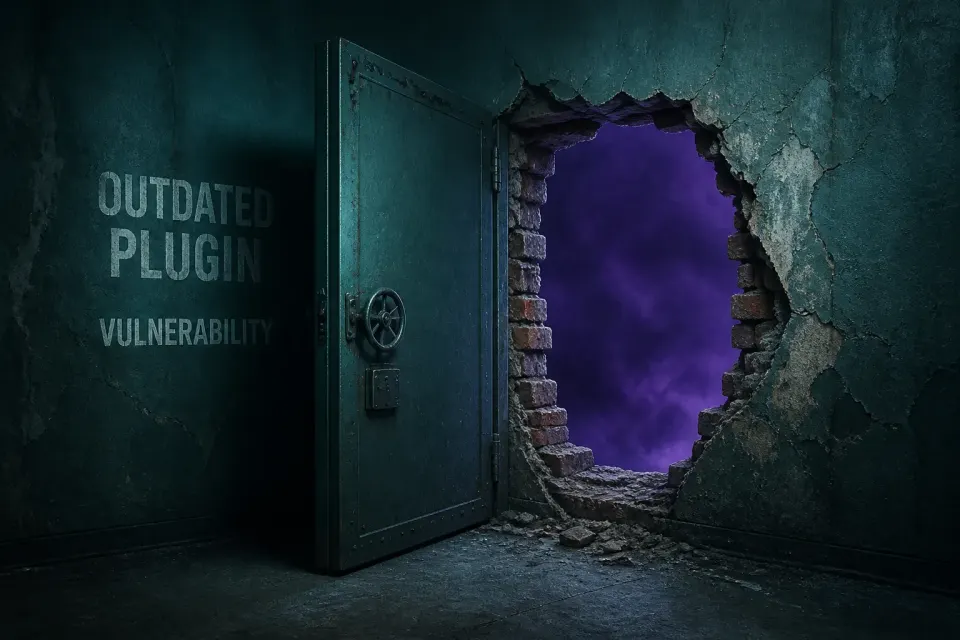
Another common reason is that the backdoor was removed, but the original hole through which the attacker first entered remained open. In that case, the attacker simply enters again in the same way as the first time and sets everything up anew.
The entry point is usually one of the following: an outdated plugin with a known vulnerability that is still outdated; a weak administrator password that was not changed; a theme or plugin from an unofficial source containing injected code; or compromised hosting access through a leaked password.
The point is that removing the code and closing the entry point must go together. If you do only the first, you have bought yourself a few days until the attacker notices the site is clean again and enters through the same open door. That is why the question of how they got in is no less important than the question of what they left behind.
Cause number three: an infected backup
The third reason is more insidious and recognised less often. If you restored the site from a backup at some point, and that backup was made after the infection had already entered, you restored an infected version of the site together with the backdoor.
This happens especially often because an infection can sit quietly for weeks before it creates a visible effect. The owner notices the problem in March, restores a February backup thinking everything was fine then, while in fact the backdoor was placed in January. The February backup already contains it, so the infection returns.
That is why restoring a backup is not a solution on its own unless you reliably know the backup is older than the infection. And you cannot know that without establishing the timeline of when the backdoor was placed. Blindly restoring a backup is therefore a common way to keep the infection unintentionally.
This problem has an even more insidious variation. Some automatic backup systems keep several older versions, but if the infection is older than all saved versions, then all your backups are infected without you knowing it. The owner tries one backup, then another, then a third, and each brings back the same problem because all were made after the backdoor was already placed. This makes the site seem hopeless, when the solution is actually simple: clean the current state instead of looking for a clean backup that does not exist.

How to identify which of the three causes is yours
Although all three causes require a similar thorough approach, it is useful to roughly identify which is likely yours, because that tells you what to focus on first.
If the infection returned quickly, within a few days, and with exactly the same content as before, it is probably a backdoor left behind. The attacker did not need to find a way in again; they simply called what was already there.
If it returned after a little longer, a week or two, and you updated or changed something in the meantime, it is possible that the backdoor was removed but the hole stayed open, so the attacker entered again the same way. This is particularly likely if you are not sure you closed the original entry point.
If it returned exactly after you restored a backup, the cause is almost certainly an infected backup. The timing with the backup restoration is a strong clue.
This assessment is not a substitute for a proper review, but it helps you understand what is probably happening and ask the right questions when seeking help.
How to find what brings the infection back
Because all these causes are deliberately difficult to discover manually, reliably finding them relies on several approaches working together.
Comparing with official versions
WordPress core and every plugin from the official repository have a known, publicly available version. Comparing the files on the site with that version immediately shows which file was changed and which file does not belong to that package at all. This does not depend on recognising the content, so it catches completely new backdoor patterns that no one knows about yet.
Checking locations where code should not exist
Every PHP file in the uploads folder is suspicious by definition. The same applies to unexpected files in the mu-plugins folder. This check is simple and exceptionally effective because these are favourite hiding places.
Recognising patterns in code
There are combinations of functions that practically never occur in legitimate code and are typical of malicious code. Their presence is almost always a reliable signal, even when it is not clear exactly what the decoded content does.
Establishing the timeline
To avoid the infected-backup problem, you need to establish exactly when the infection began. This is done by looking at file modification dates and traces in logs. Only once you know when the backdoor was placed can you safely say which backup is clean.
All these checks together, carried out thoroughly, give a far more reliable result than a one-time manual review that likely led to the infection returning in the first place.
How to break the cycle for good
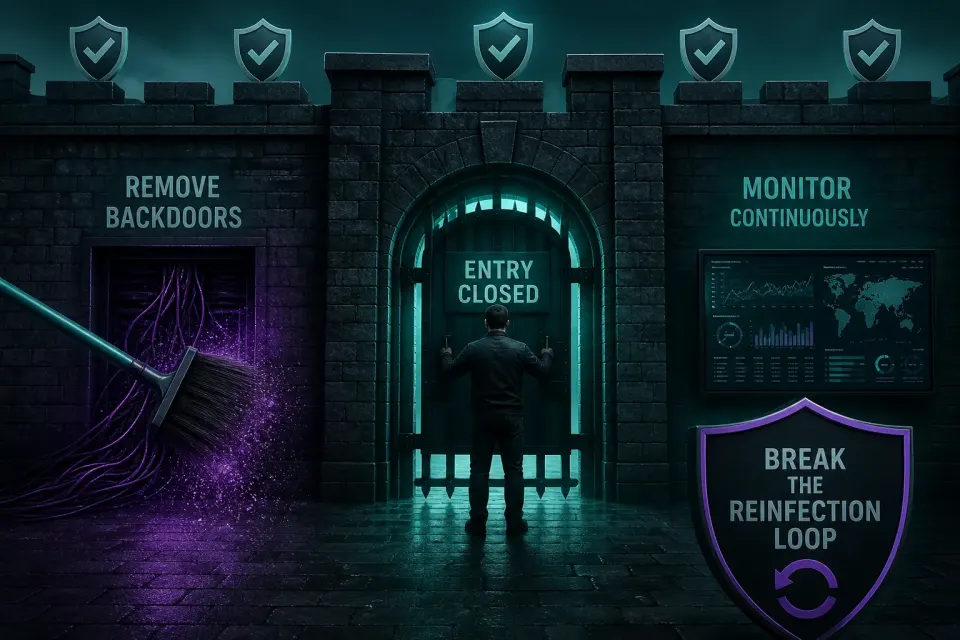
For the cleanup to be permanent this time, you need to do all three things together, not just one.
Remove every backdoor file, not just visible malware
Assume there is more than one entry point, because attackers usually leave a backup option expecting the first one to be found. When you find one backdoor, that is a reason to keep looking, not to stop.
Close the original hole
Determine how the attacker got in and close that entry point. Update everything outdated, remove what you do not use, replace everything from an unofficial source, and change all passwords. Without this step, cleanup is temporary regardless of how thoroughly you removed the backdoor.
Check that the backup is not infected
If you plan to use a backup, first establish that it predates the infection. If you are not sure, it is better to clean the current state than restore a backup you do not know already contains a backdoor.
Invalidate sessions and rotate keys
Finally, invalidate all active sessions and change security keys. This logs the attacker out even if they previously stole a login cookie, not only a password.
What if it has returned more than once
If the infection has returned not once but several times despite repeated cleanups, that is a strong sign that the problem is not effort but approach. Every repeated cleanup that removes only what is visible produces the same result because the cause remains.
Multiple recurrences usually mean one of two things. Either a backdoor has remained undiscovered all that time and every cleanup bypasses it, or the hole through which the attacker enters is so open that they return as soon as they notice the site is clean again. In both cases, the solution is not another identical cleanup but a change of approach that includes a thorough search for hidden entry points and, crucially, monitoring that catches the next attempt before it succeeds.
A site whose infection has returned multiple times is not a lost cause. Almost always, it is one persistently overlooked detail. But it is a sign that it is time to approach it differently than before, because repeating the same thing clearly does not break the cycle.
Why this happens to professionals too
It is worth saying that a returning infection is not always a sign that someone did poor work. Even a careful cleanup can miss a well-hidden backdoor because they are deliberately made to evade precisely that kind of detection. The difference is in the approach.
A one-time manual cleanup, however careful, relies on a person finding everything through review. With thousands of files, that is difficult even for an experienced person. That is why infections return even to people who know the job if they rely only on a one-time review.
A more reliable approach combines automatic comparison with official versions, which does not depend on human attention, with experience that knows where to look. And, most importantly for a lasting solution, it monitors the site after cleanup, catching every attempt to insert something again before it grows into a new visible infection.
It is also worth being honest that no approach gives an absolute guarantee that not a single backdoor will be missed, because attackers constantly devise new ways to hide. The difference is that a good approach drastically reduces the chance of missing something and, more importantly, catches what is missed before it causes damage. Perfection is not a realistic goal in security. The realistic goal is for every attempt to be noticed early enough that it cannot cause harm, and monitoring makes that possible even when the initial cleanup missed something.
Why post-cleanup monitoring is crucial here
If there is one lesson in all this, it is that monitoring after cleanup matters most for sites whose infection has already returned.
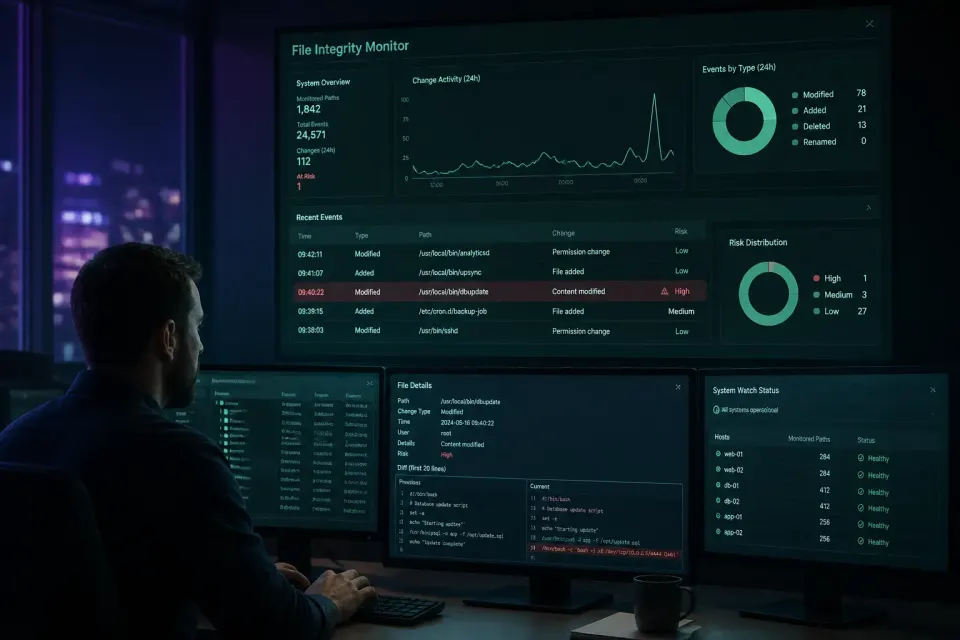
The reason is simple. A backdoor is made to be invisible at one point in time, but it cannot hide the change it makes when it activates. A system that regularly and automatically compares the current state of files and the database with the previous one notices that change immediately when it happens, instead of waiting for it to grow into a visible problem that you again search for in panic.
In other words, even if one well-hidden backdoor was missed during cleanup, monitoring catches it the first time it activates, before it can cause damage. That is the difference between a site cleaned again every month and a site that stays stable.
What not to do when the infection returns
When the problem returns, frustration leads to moves that do not help. Several are worth avoiding.
Do not repeat the same cleanup in the same way. If a one-time deletion of visible malware already missed a backdoor once, repeating the same approach will produce the same result. You need to change the approach, not only repeat the effort.
Do not restore increasingly older backups hoping to hit a clean one. Without establishing the timeline, this is guesswork that often restores an even older problem or loses a great deal of content.
Do not give up on the site. A returning infection makes the site seem lost, but it is almost always one overlooked backdoor or one unclosed hole, which is a solvable problem when approached properly.
Do not blame yourself. Many site owners in this situation conclude that they are incapable or doing something wrong. We have already explained why that is not true: a backdoor is made to escape exactly the kind of review a reasonable person would perform. A returning infection is a known, common pattern with a known solution, not proof of your mistake. It is more useful to direct your energy toward changing the approach than self-criticism.
A real example of the cycle repeating
To make the whole story more concrete, here is a sequence that repeats with small variations and explains why so many people find themselves in this article.
Through a vulnerable plugin, an attacker places a backdoor in the uploads folder. A few days later, through that backdoor, they inject spam content. The owner notices it, deletes the spam pages, updates the vulnerable plugin, and the site looks fine. But no one touched the backdoor in the uploads folder because no one knew it was there.
A week passes. The attacker calls the backdoor again and restores the spam. The owner, now frustrated, deletes the spam again, perhaps changes the password, and concludes that cleanup does not work. The backdoor is still there. The cycle continues, and every time the owner does the same work on the consequence while the cause quietly remains.
The cycle breaks only when someone looks for and removes the backdoor itself, not the spam it creates. That is the difference between going in circles and a real solution, and it explains why repeating the same cleanup never helps.
What makes this example especially common is that every individual step by the owner seems reasonable. Deleting spam when it appears is logical. Updating the vulnerable plugin is correct. Changing the password is a good idea. The problem is not in any individual move, but that none of them touches the backdoor because no one knows to look for it. That is why smart, conscientious people end up in this cycle: not because they make mistakes, but because they solve what they can see while what brings the infection back is deliberately made invisible.
How to check where you stand now
If the infection has already returned, the first step toward a permanent solution is to see what is visible. A free quick scan reviews the publicly available content of the site and looks for known malware patterns, hidden scripts, and redirects. No account, no installation, usually under a minute.
The limitation is particularly important for this problem, so we will state it plainly. A backdoor that brings the infection back quietly sits in a file or database and is not publicly visible, so a remote check will usually not find it. A clean quick-scan result is therefore not proof that no backdoor exists, especially if the infection has already returned. For a reliable answer, the site’s files and database need to be reviewed, because that is where it hides.
If the infection has returned once or several times, that is a clear sign that a one-time cleanup is not enough and that an overlooked backdoor or open hole exists somewhere. Contact us with the site address and a short description of what happened and how many times it returned. That information helps us know immediately where to look, and we will tell you what makes sense to finally break the cycle.