Unknown admin account WordPress: next steps
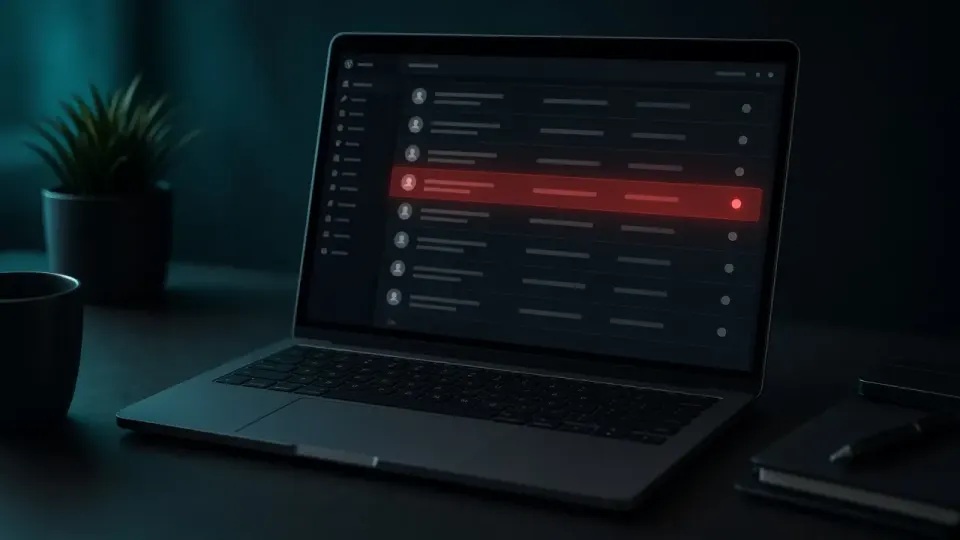
You open the Users list on your WordPress dashboard and spot a name you never created, maybe "admin2," maybe something random like "wp_support," or a name that looks real but you simply don't recognize it. If this has happened to you, understand this immediately: an unknown admin account WordPress almost always means the site is already compromised, at a level that requires serious attention, not just deleting that one account. It is one of the clearest signs a site is hacked.
This guide explains why this happens, why deleting the account alone doesn't solve the problem, and the correct sequence of steps to actually make the site safe again.
Why an Attacker Creates a New Admin Account

Once an attacker manages to get into your WordPress site and leaves an unknown admin account WordPress users list entry, through a plugin vulnerability, a weak password, or a compromised hosting account, one of the first moves is almost always creating a new administrator account. The reason is simple: it guarantees persistent, reliable access to the site, even if you change your own password or the original vulnerability gets patched.
This new account works like a spare key. As long as it exists, the attacker can come back at any time, regardless of what you do with your own account. That's why this kind of account is often called a "backdoor account", it acts as a hidden back entrance that bypasses every standard security measure you apply to your original account.
How to Spot a Suspicious Admin Account
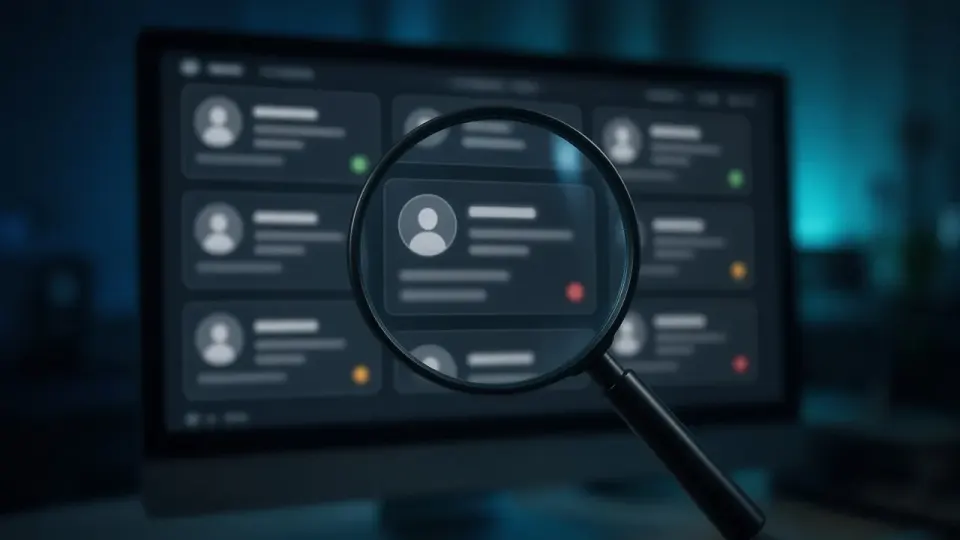
Unknown accounts don't always look obviously strange. Attackers often pick names that blend into the site's context to avoid raising suspicion during a quick glance. Here's what to watch for in the Users section of your WordPress dashboard.
Suspicious Usernames
Accounts with generic names like "support," "wpadmin," "manager," or names resembling system accounts that you never created are the first red flag. The same goes for accounts with random combinations of letters and numbers.
An Unfamiliar Email Address
Even if the username looks convincing, check the email address tied to the account. If you don't recognize the domain or the address, that's a strong signal the account wasn't created by you or anyone on your team.
A Creation Date That Doesn't Add Up
WordPress logs the creation date for every account. If you see an account created during a period when no one on your team was working on the site, especially late at night or on a weekend, that's a strong indicator of unauthorized access.
An "Administrator" Role Assigned Without Your Knowledge
It's particularly dangerous when an existing low-level account (say, Author or Contributor) suddenly shows the Administrator role, even though nobody on your team promoted it. This is a common trick, instead of creating a brand-new account, the attacker hijacks an existing one and changes its role.
Why Deleting the Account Alone Isn't Enough

This is the most important part of this guide, because it's also the most common mistake site owners make. When you delete the suspicious account and assume the problem is solved, in the vast majority of cases the attacker comes back within days, sometimes even hours.
The reason is simple: the account is a symptom, not the cause. For the attacker to have created that account in the first place, they needed some other way in, a vulnerable plugin, a compromised password, a backdoor file injected into the site's code, or access through a hosting panel. If that root cause isn't found and closed, the attacker simply creates a new account through the exact same path used to create the first one.
What to Do Besides Deleting the Account
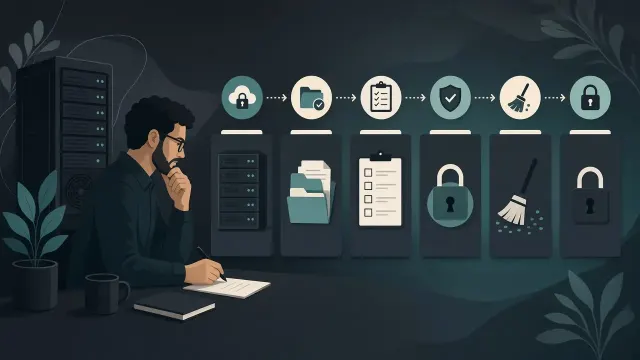
The correct approach requires several additional steps, carried out in this order.
Scan All Site Files for Backdoor Code
Backdoor files are the most common way attackers maintain access independent of user accounts. These are usually PHP files hidden in upload directories, theme folders, or plugin folders, with names designed to look like legitimate WordPress files.
Check Hosting Log Files
If your hosting provider gives you access to access logs, reviewing activity around the time the suspicious account was created can reveal the exact IP address and access method the attacker used.
Change All Passwords, Not Just the WordPress Admin Password
This includes the hosting panel password (cPanel, Plesk), FTP access, the database, and any email accounts tied to the domain. If the attacker got in through a compromised password at any of these levels, changing only the WordPress password leaves the exact same door open.
Update Every Plugin and Theme
An outdated plugin with a known vulnerability is one of the most common causes. Updating to the latest version closes that specific path, but only if that was actually the cause, which is why this step is part of a broader process, not a substitute for it.
Check Other User Accounts for Suspicious Changes
Besides the new account, check whether existing accounts have had their passwords, email addresses, or roles changed. Attackers sometimes change the email address on an existing administrator account so they can reset the password later through the "forgot password" flow.
What If the Suspicious Account Had Access to Customer Data

If your site is a WooCommerce store, an unknown administrator account means the attacker potentially had access to customer data, names, addresses, order history, and in some cases partial payment information depending on the payment methods and integrations you use. In these situations, on top of the technical cleanup, it's worth considering notifying customers or at least conducting an internal review to determine whether an actual data leak occurred.
How to Prevent This From Happening Again
Prevention comes down to a handful of concrete measures that significantly reduce the risk of another unauthorized account being created.
Enable two-factor authentication (2FA) on every administrator account, this alone blocks the vast majority of automated attacks, even if a password gets compromised. Limit login attempts to prevent brute-force attacks. Review your user list regularly, ideally once a month, so you can quickly spot any unauthorized change. Remove accounts that are no longer needed, former employees, past project collaborators, test accounts created during development.
When It's Time to Call a Professional
Finding backdoor files takes real experience, they're deliberately designed to look like legitimate WordPress code and to go unnoticed during a casual file review. If you've deleted a suspicious account but aren't sure whether the root cause was actually found and closed, you're risking a repeat of the same situation within days, often with worse consequences the second time.
The Bottom Line
An unknown admin account WordPress finding is proof of prior access. After cleanup, also hunt for a leftover WordPress backdoor.
An unknown administrator account is never an isolated problem, it's a sign that a deeper vulnerability has already been exploited. Deleting the account without finding and closing that root cause is a temporary fix that almost always leads to a repeat incident.
If you've found a suspicious account on your site and want to be certain it's genuinely clean, run a free check on hakovansajt.com or call 065 402 5000 for a free check that shows exactly how the attacker got in and whether there are any additional signs of access.